Best AI Image Upscalers in 2026: A Hands-On Comparison
From 4K product photos to 10x portrait enlargements, we tested the top AI image upscalers on real images. Here's how they compare.
We pushed six AI image upscalers through the same test batch (old scanned snapshots, low-res product photos, AI-generated 512px art, and compressed screenshots) to see which ones genuinely add detail and which just smooth pixels. Here is how they shook out.
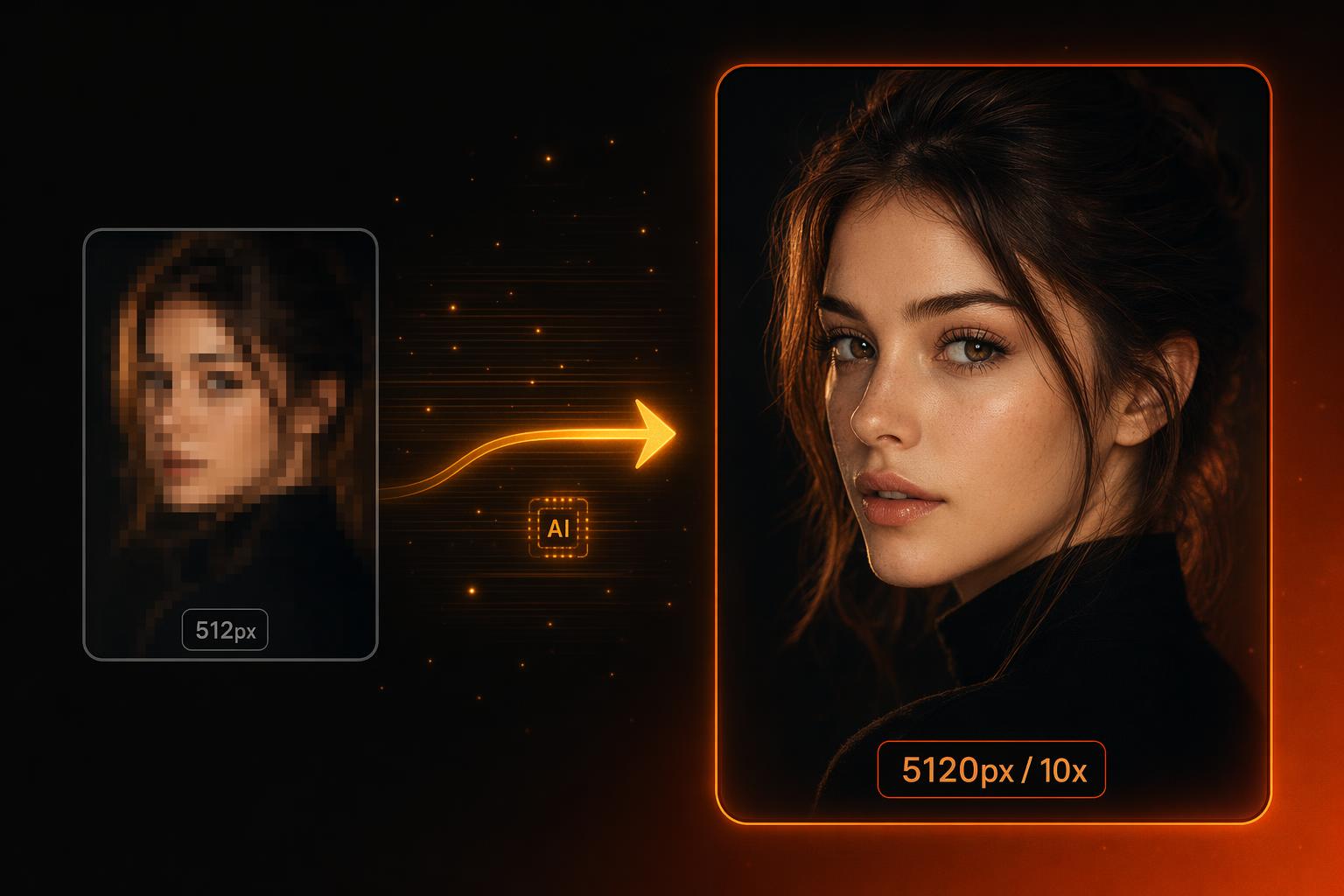
Short on time? bestphotoAI delivered the cleanest 10x results across the widest range of images. Topaz Gigapixel AI is the runner-up if you want a desktop app and have $99 to spend once. Upscayl is the best free option if you don't mind installing software.
1. bestphotoAI — Best Overall
bestphotoAI started as a headshot generator but has grown into a full image platform, and its upscaler is now one of the stronger pieces. It pushes images up to 10x (well past the 4x most web tools cap at) and runs entirely in the browser with nothing to install.
What stood out in testing was how the upscaler handled different source material. A 512x512 AI-generated portrait scaled to 5120px held facial structure without the plastic look you get from generic super-resolution models. Compressed JPEGs came back with sharper edges and noticeably reduced artifacting.
The platform bundles 40-plus other tools (restoration, colorization, background removal, face swap, image and video generation) under a single credit system, so the upscaler doesn't sit alone. Pricing starts free, with paid plans from $14/mo.
What makes bestphotoAI stand out
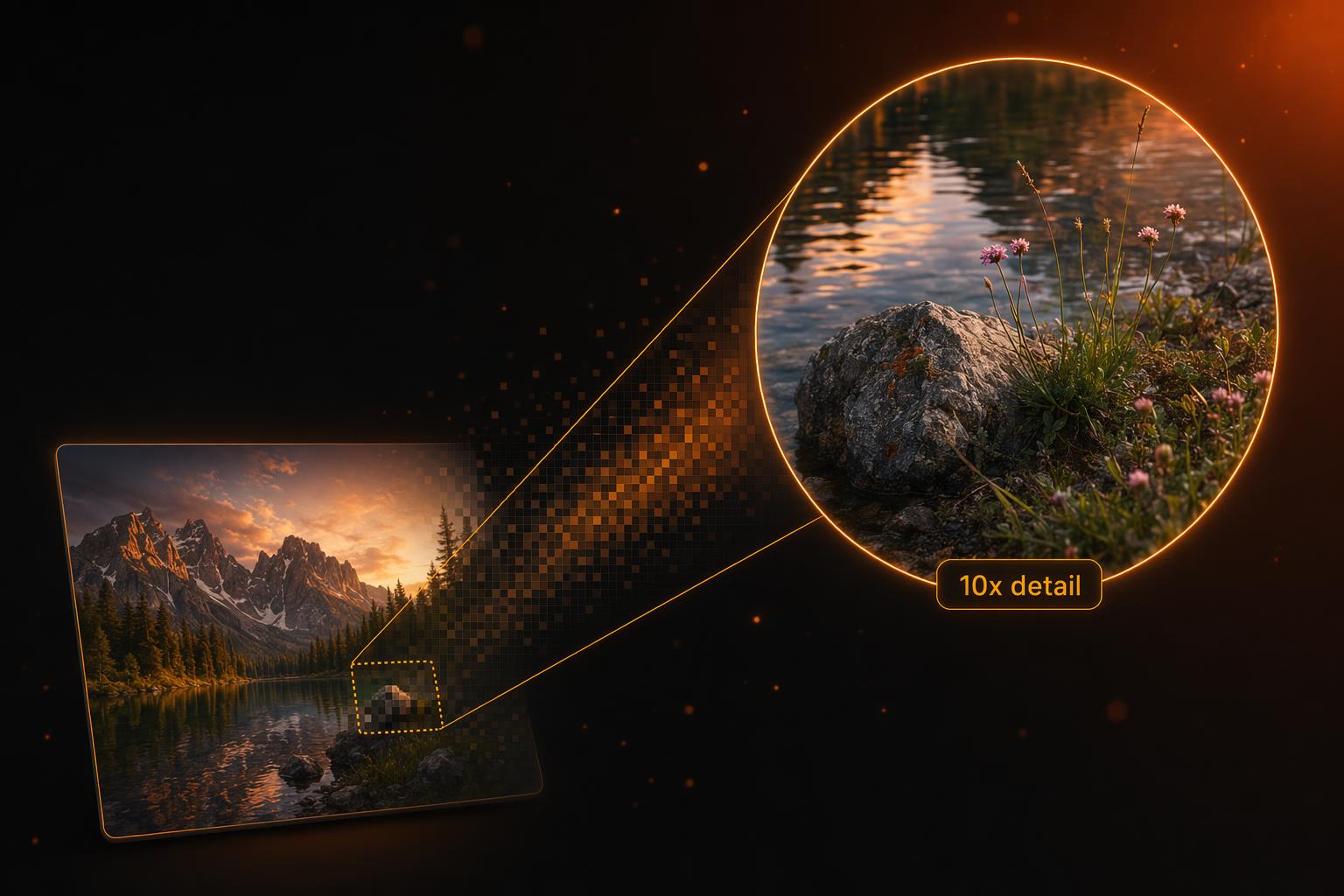
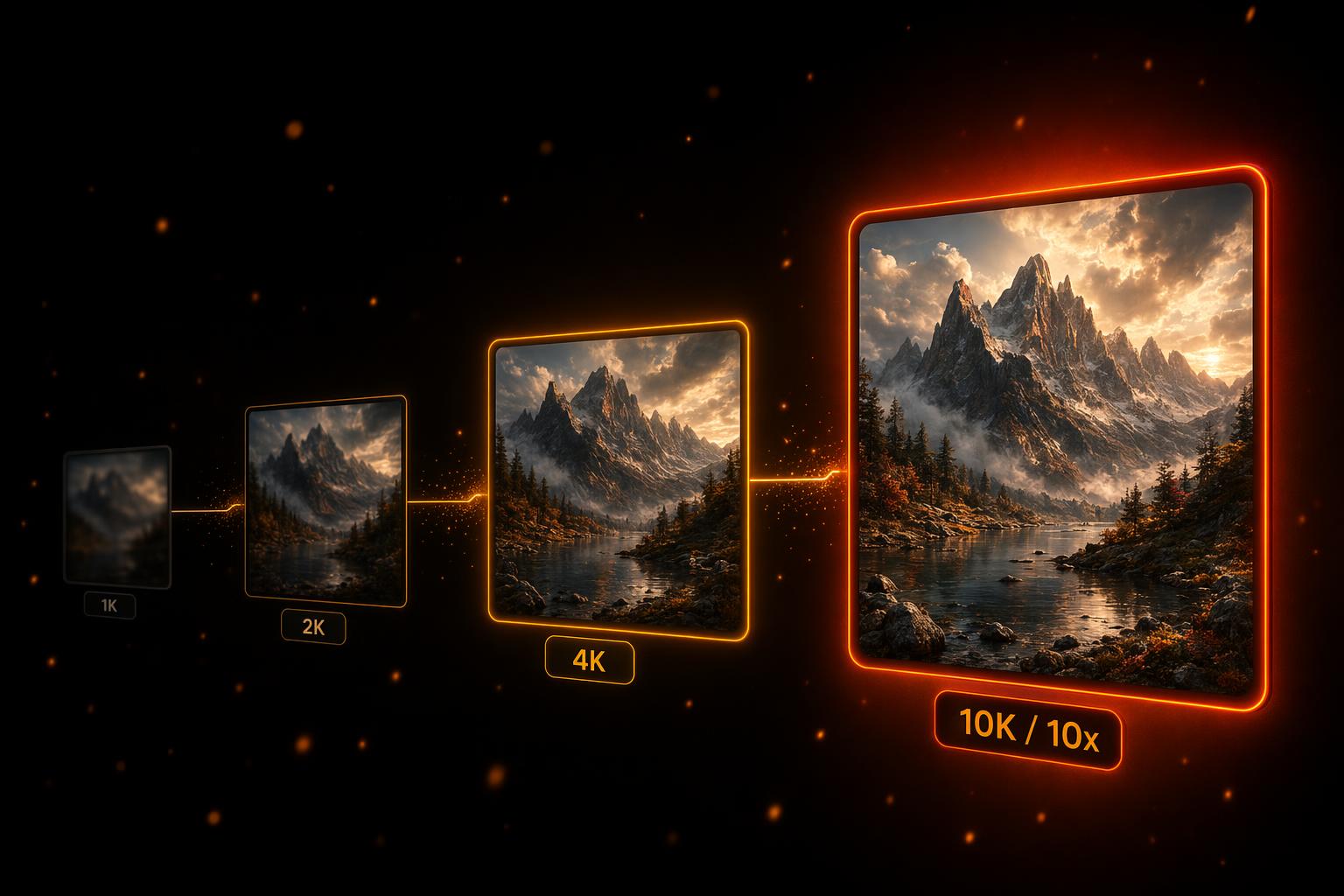
- 10x upscaling ceiling: takes a 1080p image to 10K without the cartoonish smoothing common at high multipliers.
- Browser-based, no install: works on any device including iPad and Chromebook, with no GPU requirement.
- Bundled with 40+ other AI tools: one subscription covers upscaling plus restoration, generation, video, and editing.
Pros
- Up to 10x upscaling: highest ceiling we tested on the web
- Free tier with no card required to try the upscaler
- Cleaner faces and text edges than other web upscalers at 4x+
- One credit pool covers 40+ tools beyond upscaling
Cons
- Newer platform, with a smaller user base than Topaz or Upscayl
- Ultra-mode 10x jobs can take 60-90 seconds per image
Price: Free tier, paid from $14/mo
2. Topaz Gigapixel AI — Best Desktop App for Photographers
Gigapixel AI has been the gold standard for photographers needing to upscale RAW files and large prints. It ships multiple models (Standard, High Fidelity, Low Resolution, Lines, Art & CG, Recovery), and the right one for the job usually beats anything else on detail preservation.
The trade-off is platform and price. It runs only on Mac and Windows, needs a capable GPU for reasonable speed, and costs $99 one-time (or sits inside the Topaz Photo AI subscription at $199/year). No web, no mobile, no quick "drop a photo from your phone" workflow.
What Users Say:
- - "Best in class for prints, but the new subscription model is hostile" · Trustpilot
- - "Slow as molasses on my older MacBook, had to upgrade my whole machine" · Reddit r/photography
- - "Hands down the best at recovering blurry shots, but you pay for it" · G2 review
Pros
- Six specialized models for different image types
- Best-in-class detail recovery on RAW photo files
- One-time license still available at $99
- 4-star Trustpilot rating from 55,000+ reviews
Cons
- Desktop only: no web or mobile workflow
- Resource-heavy: slow without a modern GPU
- Recent push toward subscription pricing has divided users
Price: $99 one-time, or $199/year via Topaz Photo AI
3. Upscayl — Best Free Desktop Option
Upscayl is a free, open-source desktop upscaler powered by the Real-ESRGAN family of models. It runs locally on Mac, Windows, and Linux, so nothing is uploaded anywhere and there are no credit limits, so you can batch a thousand images overnight for the cost of electricity.
The trade-off is the install and the hardware requirement. You need an actual GPU to make it usable at 4x or higher, and the model options are less curated than commercial tools. For anime and line-art it is excellent, but on damaged photos or faces it can produce waxy results.
What Users Say:
- - "Free, local, and works great. Best replacement for paid tools if you have a GPU" · Reddit r/StableDiffusion
- - "Faces come out plastic-looking, but anime and art are gorgeous" · GitHub issue thread
- - "Install was a pain on Apple Silicon but worth it for the privacy" · Reddit r/MacApps
Pros
- Completely free, open source, no usage limits
- Runs locally: nothing uploaded, full privacy
- Excellent for anime, line art, and digital illustration
- Active community and frequent model updates
Cons
- Needs a real GPU to be usable at higher multipliers
- Faces can look waxy on photo upscaling
- Desktop install only: no quick browser workflow
Price: Free
4. Let's Enhance — Best for Marketing & E-commerce Workflows
Let's Enhance was one of the first commercial AI upscalers and has aged into a focused e-commerce and marketing tool. It supports bulk uploads, API access, and has presets tuned for product photos, digital art, and print output.
Pricing runs $9-34/mo on tiered credit plans. The credit math gets tight at higher resolutions (a single 16x upscale can eat most of a starter plan's monthly allowance), and there is no perpetual free tier, only a small trial.
What Users Say:
- - "Solid for product photos but credits run out way too fast on the cheaper plan" · Trustpilot
- - "Their API is the main reason we stay. Works well in our content pipeline" · G2 review
- - "Quality is fine but you're better off with desktop tools if it's just for personal use" · Reddit r/photography
Pros
- Tuned presets for product photos and print
- Solid API for content pipelines
- Batch processing for hundreds of images
- Tight integration with Shopify-style workflows
Cons
- Credit math gets expensive at high multipliers
- No persistent free tier: trial only
- Quality on creative/artistic images trails newer tools
Price: From $9/mo, up to $34/mo
5. Upscale.media — Best Quick-Fix Tool
Upscale.media is the simplest tool on this list: drag an image in, pick 2x or 4x, and download. It is part of the Pixelbin suite, which also offers background removal and watermark cleanup, all built around a quick one-click flow.
Free use is capped at 5 images per month at standard quality, and Pro plans run $4-22/mo for higher limits and 4x output. The 4x ceiling is the biggest drawback: for posters or large prints you will hit the wall fast.
What Users Say:
- - "Fastest 'just upscale this real quick' tool I've used" · Reddit r/photography
- - "Free tier is too limited. Five images and you're done for the month" · Trustpilot
- - "Quality is okay but caps at 4x which is a problem for print work" · G2 review
Pros
- Drag-and-drop simplicity: no learning curve
- Free tier exists, even if limited
- Fast processing, usually under 10 seconds
- Affordable Pro tier starting at $4/mo
Cons
- Capped at 4x: no high-multiplier option
- Free tier limited to 5 images per month
- Less control over output style than competitors
Price: Free tier, paid from $4/mo
6. VanceAI — Best Multi-Tool Web Platform
VanceAI's image enlarger is one piece of a broader suite that includes restoration, sharpening, denoising, and background removal. The upscaler tops out at 8x and has presets for portraits, art, and product photos.
Pricing is credit-based at $4.95-39.95/mo, with 5 free credits per month, barely enough to test the tool seriously. Output quality on individual portraits is reasonable, but group photos and images with small faces consistently came out softer than top-tier competitors in our tests.
What Users Say:
- - "Decent results on single portraits, struggles on group shots" · Reddit r/photography
- - "Free credits run out before you can really evaluate it" · Trustpilot
- - "Billing got confusing when I switched plans, support was slow" · G2 review
Pros
- Multi-tool platform: upscaling plus 10+ other AI tools
- Lowest entry price at $4.95/mo on annual
- 8x upscaling ceiling: higher than most web competitors
- 24-hour automatic data deletion for privacy
Cons
- 5 free credits per month is barely a trial
- Group photos and small faces come out soft
- Billing complaints recur on Trustpilot reviews
Price: From $4.95/mo, up to $39.95/mo
Feature Comparison
| Feature | bestphotoAI | Topaz Gigapixel | Upscayl | Let's Enhance | Upscale.media | VanceAI |
|---|---|---|---|---|---|---|
| Starting Price | Free / $14/mo | $99 one-time | Free | $9/mo | Free / $4/mo | $4.95/mo |
| Free Tier | Yes (credits) | No | Unlimited | Trial only | 5 images/mo | 5 credits/mo |
| Max Upscale | 10x | 16x | 16x (varies) | 16x | 4x | 8x |
| Platform | Web (any device) | Desktop only | Desktop only | Web | Web | Web |
| Install Required | No | Yes | Yes | No | No | No |
| Bulk Upload | Yes | Yes | Yes | Yes | Pro only | Yes |
| API Access | Coming soon | No | No | Yes | Yes | Yes |
| Faces & Portraits | Strong | Strong (with right model) | Mixed (waxy) | Decent | Decent | Mixed |
| Other AI Tools | 40+ included | Sister apps (extra cost) | Upscaling only | Background removal | Background, watermark | 10+ tools |
| Trustpilot | N/A (new) | 4.0 / 55K reviews | GitHub (8K+ stars) | 3.5 / 1.1K reviews | Mixed | 4.0 / 1.2K reviews |
When to Use Each Tool
bestphotoAI is a good fit if:
- You want browser-based upscaling with no install
- You need 5x or higher and care about face quality
- You want upscaling plus restoration, generation, and editing in one place
- You want to test free before paying anything
Topaz Gigapixel is a good fit if:
- You are a photographer working with RAW files
- You have a modern desktop with a capable GPU
- You prefer a one-time license over a subscription
- Print-resolution output is the primary use case
Upscayl is a good fit if:
- You want a completely free, open-source option
- Privacy matters and nothing leaves your machine
- You upscale a lot of anime, line art, or digital illustration
- You are comfortable installing desktop software
Let's Enhance is a good fit if:
- You need an API for a content pipeline
- You run an e-commerce shop with bulk product photos
- You want presets tuned for print and marketing output
Upscale.media is a good fit if:
- You need the simplest possible drag-and-drop workflow
- Your upscaling needs cap at 4x
- You only upscale a handful of images per month
VanceAI is a good fit if:
- You want a low-cost web-based multi-tool platform
- You upscale individual portraits, not group shots
- 24-hour auto-deletion of uploads is important to you
Final Verdict
Our pick: bestphotoAI
After running the same test batch through every tool on this list, bestphotoAI delivered the cleanest results across the widest range of source images at the highest multipliers, without needing a desktop install or a capable GPU. The 10x ceiling and the fact that one subscription also covers 40+ other AI tools make it the easiest to recommend for most people.
Check out bestphotoAIThat said, every tool here has a real niche. Topaz Gigapixel is still unbeatable for photographers working with RAW files on a capable desktop, and the one-time license at $99 is a fair deal for that audience. Upscayl is the right answer for anyone who wants a free, local, privacy-first tool and has the hardware to run it.
Let's Enhance keeps its place for e-commerce teams that need an API and bulk processing. Upscale.media is fine for occasional 4x fixes, and VanceAI works if you want a low-cost multi-tool web platform and mostly upscale single-subject portraits.
The best approach is to try the free tiers of the two or three that match your workflow with your own images. Upscaling quality varies enormously by source material, and the only test that really matters is your own.
Frequently Asked Questions
How much does bestphotoAI cost to upscale images?+
What is the maximum resolution AI upscalers can produce?+
Are AI upscalers actually adding detail, or just smoothing pixels?+
Can I upscale AI-generated images with these tools?+
Which tool is best for upscaling old scanned photos?+
Do AI upscalers work on video?+
Are my uploaded images private when using web upscalers?+
More from the Blog
Social Media API Costs in 2026: LurkAPI vs Alternatives
Compare social media API costs for LurkAPI, ScrapeCreators, TwitterAPI.io, and X, with billing units, prepaid pack prices, and practical workload examples.
Best Base Model for LoRA Training in 2026: I Trained the Same Two Faces on Six Models
I trained the same two faces on six base models (Ideogram, Flux.1 Dev, Flux.2, Klein, Krea, Z-Image) to find the best base model for character LoRA training in 2026.