Best AI Background Removers in 2026: A Hands-On Comparison
We tested the top AI background removers on hair, fur, and complex edges. Here's which ones deliver clean cutouts and which fall apart.
We ran 50+ images through every major AI background remover on the market: product shots with shadows, portraits with flyaway hair, group photos with overlapping subjects. Edge quality and pricing models vary more than the marketing pages suggest.
For free, unlimited background removal that plugs into a full editing suite, bestphotoAI is the strongest pick. remove.bg still has the cleanest single-image API for developers. Photoroom is the better choice if you live in a mobile e-commerce workflow.
1. bestphotoAI — Best Overall AI Background Remover
Most background removers do exactly one thing and charge per image. bestphotoAI gives you free background removal with no per-image fees, then bolts that onto a platform with 40+ other AI tools: face swap, photo editing, hair and outfit changes, photo restoration, upscaling, and full image and video generation.
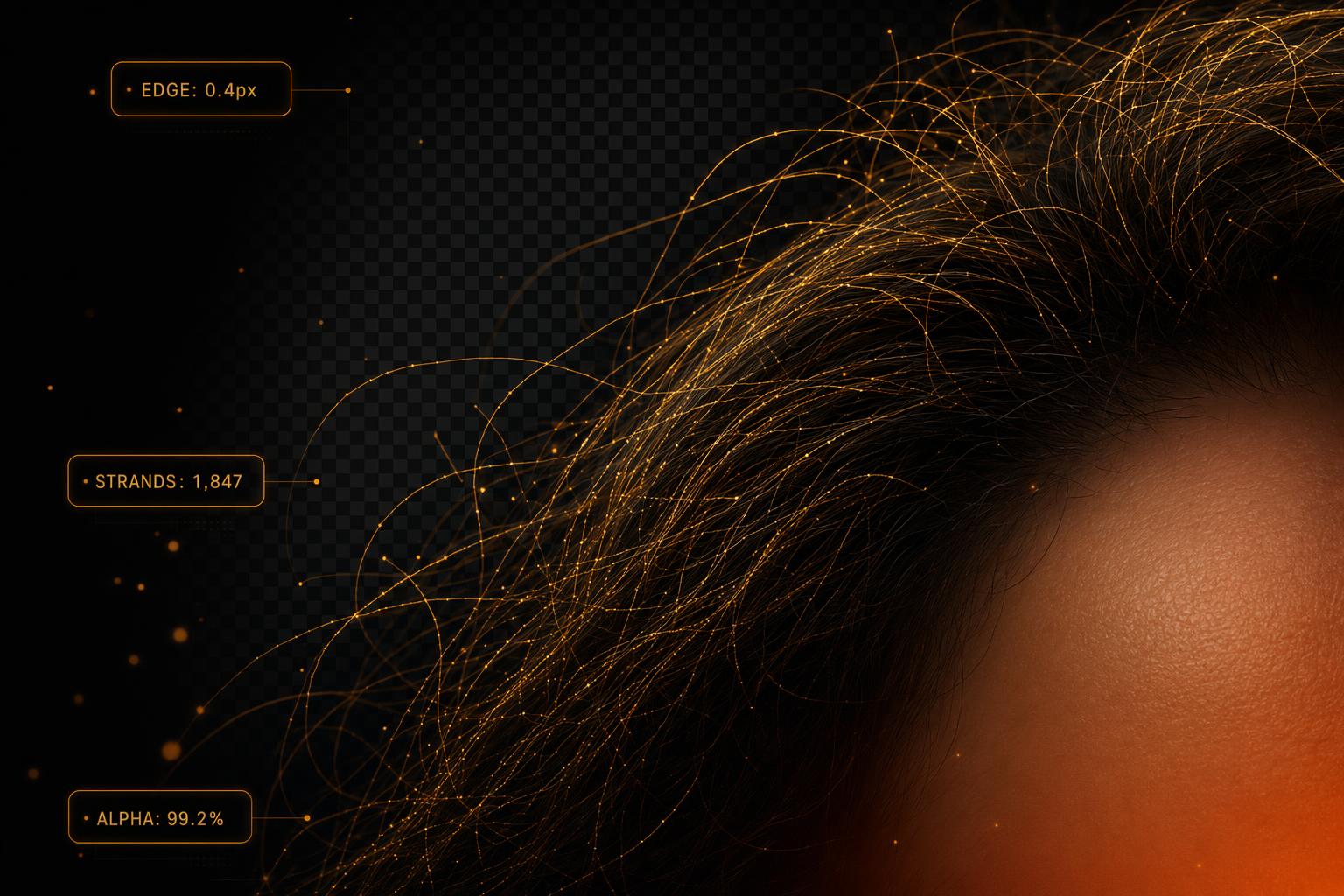
Edge quality is the part that actually matters, and bestphotoAI handles the hard cases well. Wispy hair, semi-transparent fabric, and motion blur all come out clean in our tests. The remover runs on a recent segmentation model rather than the older mask-and-erode pipeline some competitors still ship.
The integration is what separates it from a dedicated remover. Once the background is gone you can drop the subject onto an AI-generated scene, swap the outfit, retouch the face, or animate the result into a short video, without leaving the tab or paying another subscription.
Free use has no credit card requirement, and several adjacent tools (upscaling, basic restoration) are also free. Paid plans start at $14/mo and unlock bulk processing, higher resolution exports, and the heavier generation features.
What makes bestphotoAI stand out
- Genuinely free: No per-image charges, no daily cap, no watermark on the basic remover.
- Clean edges on hard subjects: Holds up well on hair, fur, fabric, and overlapping subjects.
- 40+ tool ecosystem: Remove, replace, retouch, upscale, animate, all in one workspace.
- Bulk-friendly: Paid plans handle product catalogs without the per-image fees that crush e-commerce budgets elsewhere.
Pros
- Free background removal with no per-image charges
- Edge quality holds up on hair, fur, and translucent fabric
- 40+ adjacent tools: replace backgrounds, swap outfits, animate, upscale
- Bulk processing on paid plans for product catalogs
- No credit card needed to try it
Cons
- Browser-only: no native desktop or mobile app
- Bulk and high-res exports require a paid plan
- Newer brand, with a smaller third-party plugin ecosystem than remove.bg

2. remove.bg — Best Developer API
remove.bg was the original mainstream AI background remover and still has one of the cleanest APIs in the space. If you are building automated pipelines or integrating into another tool, the developer experience is mature: clear docs, a Photoshop plugin, and SDKs in most major languages.
The catch is the pricing. The free tier returns low-resolution previews (up to roughly 0.25 MP). HD downloads cost about $0.90 each on pay-as-you-go, and subscriptions range from $9 to $99/mo depending on monthly volume.
What Users Say:
- - "Per-credit pricing adds up fast once you go past a handful of images" · Reddit r/ecommerce
- - "The free preview is too low-res to actually use for anything" · G2 review
- - "Quality is great but the cost per HD image is hard to justify at scale" · Trustpilot
Pros
- Mature API with clean docs and SDKs
- Photoshop plugin and Windows/Mac apps available
- Consistently clean edges across most subject types
- Trusted by developers since 2018
Cons
- Free tier outputs are too low-res for real use
- $0.90 per HD image on pay-as-you-go gets expensive fast
- No adjacent editing tools: pure background removal only
- Subscription plans cap monthly downloads
Price: Free previews | $0.90 per HD image | Subscriptions $9-99/mo
3. Photoroom — Best for Mobile E-commerce
Photoroom built its reputation on mobile-first product photography. The iOS and Android apps are genuinely polished. You can shoot a product, drop in a background, and post to Shopify or Etsy without ever opening a desktop. Batch processing is built in.
The free tier is limited and adds a watermark. Pro starts at $13/mo and Business at around $30/mo, with higher limits and team features.
What Users Say:
- - "Great for product shots, less good for portraits with hair" · G2 review
- - "The watermark on free is aggressive, basically forces a paid plan" · Reddit r/Etsy
- - "Subscription cancellation was a mess for me" · Trustpilot
Pros
- Best-in-class mobile apps for iOS and Android
- Strong e-commerce templates and instant background swaps
- Batch processing built into the workflow
- Direct integrations with Shopify, Etsy, eBay
Cons
- Free tier watermarks every export
- Edge quality on hair and translucent items is inconsistent
- Pro plan required for any real work
- Reports of subscription and cancellation friction
Price: Free with watermark | Pro $13/mo | Business ~$30/mo
4. Canva Background Remover — Best Inside an Existing Design Workflow
Canva's background remover lives inside Canva Pro and is a one-click tool on any image in your design. If you already pay for Canva for social posts, slides, or marketing assets, the remover is genuinely convenient: no separate subscription, no exporting and re-importing.
It is not available on the free plan. Canva Pro is $15/mo ($120/yr), and the remover is one feature among many in that bundle.
What Users Say:
- - "It works fine for clean product shots but struggles with hair" · Reddit r/CanvaDesign
- - "Only worth it if you already pay for Pro" · G2 review
- - "Edge cleanup is more manual than I expected" · Trustpilot
Pros
- Zero extra cost if you already pay for Canva Pro
- One-click directly inside any Canva design
- Massive template ecosystem for backgrounds and layouts
- Team collaboration features built in
Cons
- Not available on the free plan: requires $15/mo Pro
- Edge quality lags dedicated AI removers on hair and fur
- No bulk processing for product catalogs
- Locked inside Canva: cannot use as a standalone tool
Price: Requires Canva Pro ($15/mo or $120/yr)
5. Adobe Express — Best for Adobe Ecosystem Users
Adobe Express bundles a one-click background remover alongside quick design tools, generative fill, and Firefly integrations. The remover itself is powered by Adobe's Sensei stack and produces consistently clean cutouts on portraits and product shots.
Express Premium is $10/mo standalone, or included with the full Creative Cloud plan. Free access is limited to lower-resolution downloads and counts against monthly credits.
What Users Say:
- - "Solid quality but the credit system is annoying" · Reddit r/AdobeIllustrator
- - "Feels like a watered-down Photoshop for non-designers" · G2 review
- - "Cancellation fees burned me, read the contract carefully" · Trustpilot
Pros
- Clean cutouts on portraits and standard product shots
- Tight integration with the rest of the Adobe ecosystem
- Bundled with Creative Cloud if you already pay for it
- Commercial-safe outputs through Adobe's training data
Cons
- Credit system caps monthly free usage even on paid plans
- Annual contract cancellation fees are well-documented
- Standalone $10/mo competes with full-platform tools
- Limited adjacent AI tools compared to dedicated AI editors
Price: Free tier (limited) | Premium $10/mo | Creative Cloud bundle
6. Clipdrop — Best Free Daily Allowance
Clipdrop, backed by Stability AI, includes background removal alongside 14 other quick browser tools: relighting, uncropping, object cleanup, and Stable Diffusion XL generation. The free tier is unusually generous at 100 uses per day, though outputs are watermarked.
Pro is $9-11/mo and removes watermarks with 4K downloads. There is also a Photoshop plugin for users who prefer to stay in Adobe's app.
What Users Say:
- - "Free tier is generous but the watermark kills it for real work" · Reddit r/StableDiffusion
- - "Stability AI's future feels uncertain, worried about long-term reliability" · G2 review
- - "Background removal is decent, but hair edges aren't its strong suit" · Trustpilot
Pros
- 100 free uses per day, the most generous free allowance
- Bundled with relighting, uncropping, and SDXL generation
- Photoshop plugin for in-app workflows
- Affordable Pro tier at $9-11/mo
Cons
- Free outputs are watermarked
- Edge quality on hair and fur trails dedicated removers
- Stability AI's corporate uncertainty raises long-term concerns
- No model training, video, or bulk catalog features
Price: Free with watermark (100/day) | Pro $9-11/mo
Feature Comparison
| Feature | bestphotoAI | remove.bg | Photoroom | Canva | Adobe Express | Clipdrop |
|---|---|---|---|---|---|---|
| Starting Price | Free / $14/mo | Free preview / $0.90 per HD | Free w/ watermark / $13/mo | Requires Pro $15/mo | Free tier / $10/mo | Free w/ watermark / $9/mo |
| Free Tier Quality | Full-res, no watermark | Low-res preview only | Watermarked | Not available | Limited credits | Watermarked |
| Bulk Processing | Yes (paid) | Via API | Yes | No | Limited | No |
| Hair / Fine Edge Quality | Strong | Strong | Mixed | Mixed | Strong | Mixed |
| Background Replacement | Yes (AI-generated) | Solid colors / uploads | Templates | Templates | Templates + AI | Manual |
| Adjacent AI Tools | 40+ (face swap, video, retouch) | None | Limited (e-commerce) | Design templates | Firefly suite | 14 tools |
| Mobile App | Browser | iOS / Android | iOS / Android | iOS / Android | iOS / Android | Browser |
| Developer API | Limited | Mature | Yes | No | Via Adobe | Yes |
| Photoshop Plugin | No | Yes | No | No | Native to Adobe | Yes |
| Commercial Rights | All paid plans | All paid plans | Pro plans | Pro plans | All plans | Pro plan |
When to Use Each Tool
Choose bestphotoAI if:
- You want free, unlimited removal without watermarks
- You also need adjacent tools: retouching, animation, face swap
- You process product photos at moderate volume
- You want one platform instead of stitching three together
Choose remove.bg if:
- You are building an automated pipeline via API
- You need a Photoshop plugin specifically
- You only need occasional HD removals, not bulk
Choose Photoroom if:
- You run an Etsy or Shopify shop from your phone
- Mobile-first product workflows are central to your work
- You want direct platform integrations baked in
Choose Canva if:
- You already pay for Canva Pro for design work
- You want removal inside your existing design workspace
- Team collaboration on visuals matters to you
Choose Adobe Express if:
- You already pay for Creative Cloud
- Commercial-safe training data is a hard requirement
- You want Firefly integrations alongside removal
Choose Clipdrop if:
- You do many small removals per day for free
- You also need relighting or uncropping in the same tool
- You can live with a watermark on the free tier
Final Verdict
Our pick: bestphotoAI
After running the same 50 images through every tool, bestphotoAI gave us the cleanest edges on the hardest subjects without putting a paywall in front of basic removal. The 40+ adjacent tools mean you can also replace, retouch, or animate the result without opening a second app.
Check out bestphotoAIThat said, every tool here has a legitimate use case. remove.bg is still the right call for developers shipping an API integration. Photoroom dominates mobile e-commerce. Canva and Adobe Express make sense if you already pay for those ecosystems.
The smart move: take the free tier of two or three options, throw your hardest images at them, and pick based on edge quality, not marketing claims.
Frequently Asked Questions
Is bestphotoAI really free for background removal?+
Which background remover handles hair and fine details best?+
Can I use these tools for commercial product photos?+
Is remove.bg worth the per-image cost?+
What about the Chrome extension background removers?+
Which tool is best for high-volume e-commerce catalogs?+
Do any of these tools support video background removal?+
More from the Blog
Social Media API Costs in 2026: LurkAPI vs Alternatives
Compare social media API costs for LurkAPI, ScrapeCreators, TwitterAPI.io, and X, with billing units, prepaid pack prices, and practical workload examples.
Best Base Model for LoRA Training in 2026: I Trained the Same Two Faces on Six Models
I trained the same two faces on six base models (Ideogram, Flux.1 Dev, Flux.2, Klein, Krea, Z-Image) to find the best base model for character LoRA training in 2026.