The AI label hidden in your images: what C2PA says, and what deletes it
AI images from OpenAI and Google carry a signed C2PA label that says a model made them. I read the labels, then tried five everyday edits. None kept it.
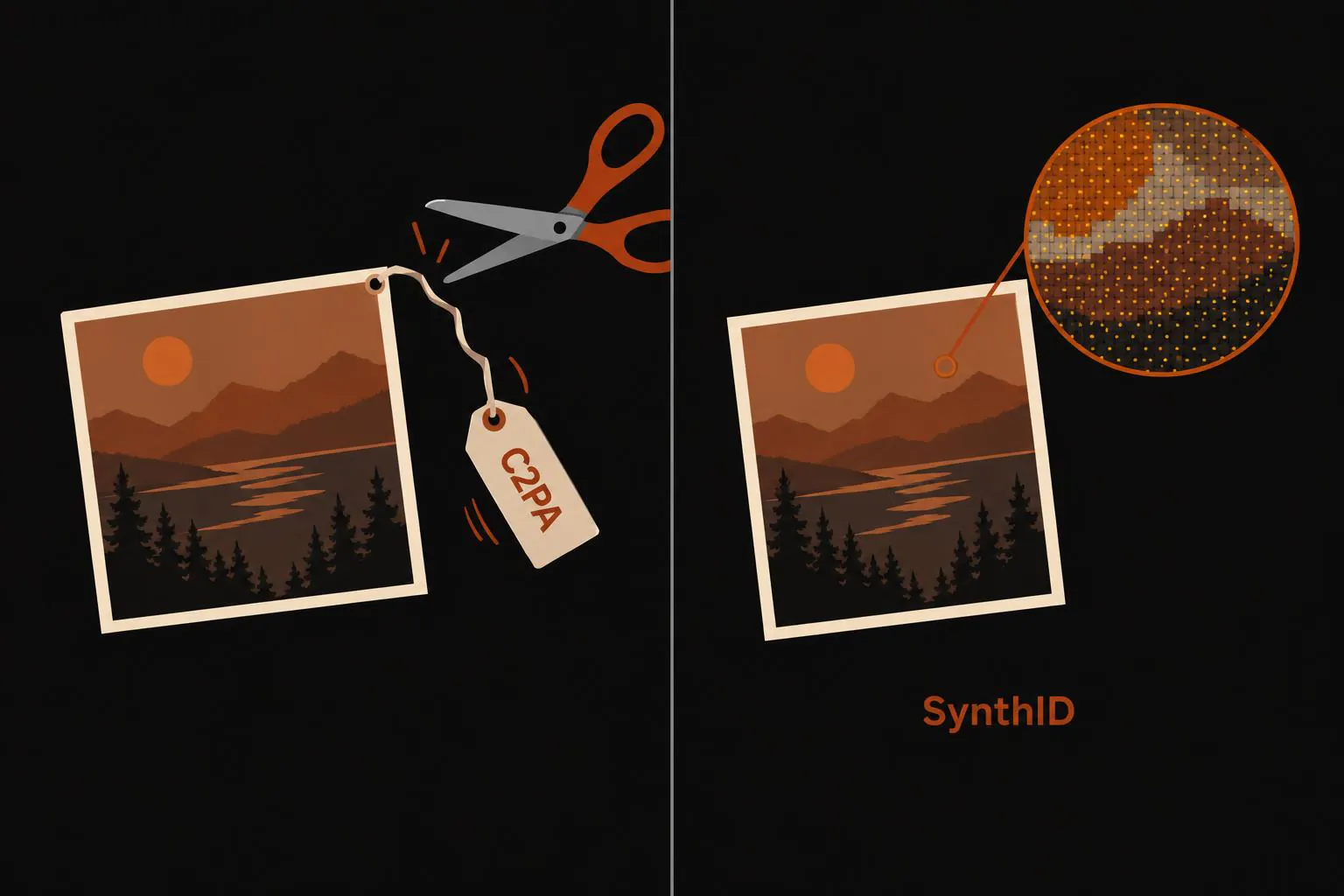
Images from OpenAI's and Google's image models, the ones behind ChatGPT and Gemini, carry a hidden AI label. It's called C2PA, also known as Content Credentials: a block of signed metadata inside the file that names the company whose model made the picture. The signature is what makes it useful. Nobody can change what the label says, or move it onto a different image, without breaking it.
I generated eight images with GPT Image 2.5, Nano Banana 2 and Nano Banana Pro, read their labels, then put each one through five ordinary edits: a screenshot, a crop, a JPEG re-save, a resize and a caption. All eight originals had a valid label. None of the 40 edited copies kept it. That makes the label solid proof when you find it, and its absence close to meaningless.
What a C2PA label actually says
Nano Banana 2
- Signed by
- Google LLC
- Written by
- Google C2PA Core Generator Library
- Steps
- Created “Created by Google Generative AI.”
- Edited “Applied imperceptible SynthID watermark.”
- Source type
- trainedAlgorithmicMedia
GPT Image 2.5
- Signed by
- OpenAI OpCo, LLC
- Written by
- OpenAI Media Service API (gpt-image)
- Steps
- Created
- Converted
- Watermarked
- Source type
- trainedAlgorithmicMedia
Two lines matter most. The source type, trainedAlgorithmicMedia, is the standard term for "made by a trained AI model". The other is the watermarking step. Google's label says outright that it applied an imperceptible SynthID watermark, a second mark that goes into the pixels rather than the metadata. OpenAI's just says "watermarked".
The signature works by storing a fingerprint of the image data and signing it together with the label, using the company's certificate. Change one pixel and the fingerprint stops matching. Copy the label onto another picture and it fails the same way. Software that understands C2PA is supposed to handle edits by signing a new label and nesting the old one inside it as history. One of my Nano Banana Pro images arrived exactly like that: Google had converted the file and added a second label saying so, with the original nested inside.
Five ordinary edits, zero labels left
I picked edits that happen to images all the time once people share them: a screenshot of the image in a browser window, a crop to the middle quarter, a re-save as JPEG, a resize to half the width and height, and a meme caption. Then I checked every file with c2patool, the reference reader, and with our own checker. They agreed on all of them.
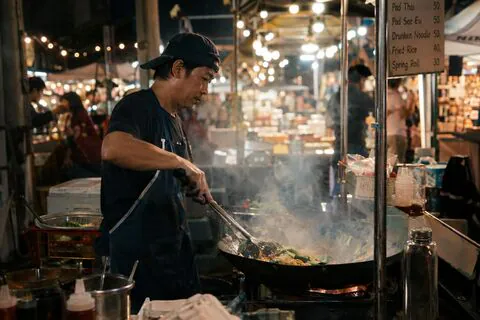
Original
C2PA label: yes

Screenshot
C2PA label: gone

Crop to the middle
C2PA label: gone
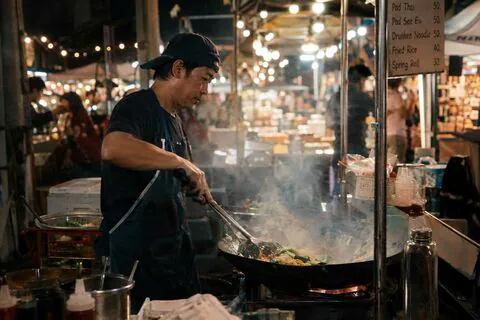
JPEG re-save
C2PA label: gone

Half size
C2PA label: gone
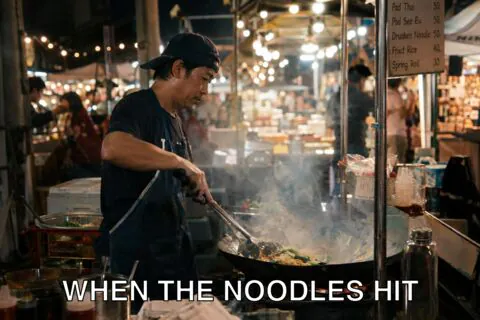
Caption
C2PA label: gone
The screenshot is the obvious loss: it's a brand-new image of your screen, with no file to carry a label over from. The crop, the resize and the caption change pixels, so even a C2PA-aware editor would have to sign a fresh label, and ordinary tools don't. The re-save is the telling one. Same picture, different compression, and the label still vanished, because the program that wrote the new file had no idea it was there.
The gentlest change of all is deleting the metadata and nothing else. On the three images I tried, the label disappeared and the pixels stayed bit-for-bit identical. That's all an "AI metadata remover" has to do.
A real photo, relabeled as AI
I took a real photo of a street-food stall and asked Nano Banana 2 to make the lighting warmer and change nothing else. The result is the same scene, a little more orange. Its new label says "Created by Google Generative AI", with the same trainedAlgorithmicMedia source type as an image made from nothing, plus the SynthID step. The label does note that an input image was used, but nothing in it says "real photo, color tweak".
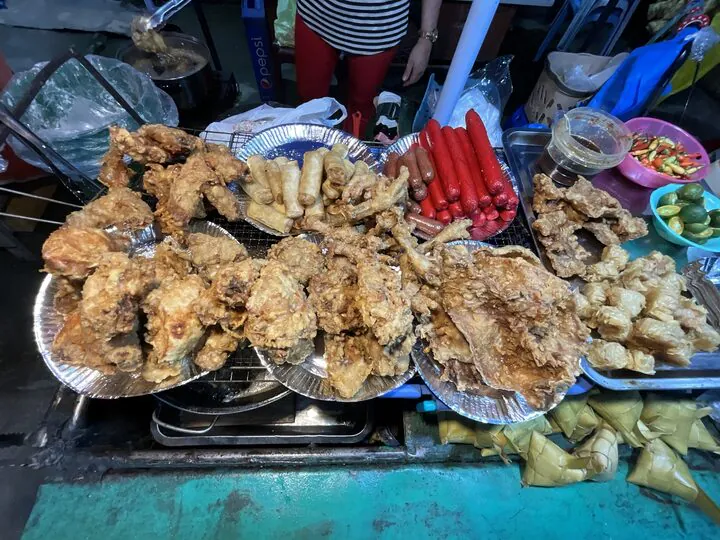
Real photo
No label
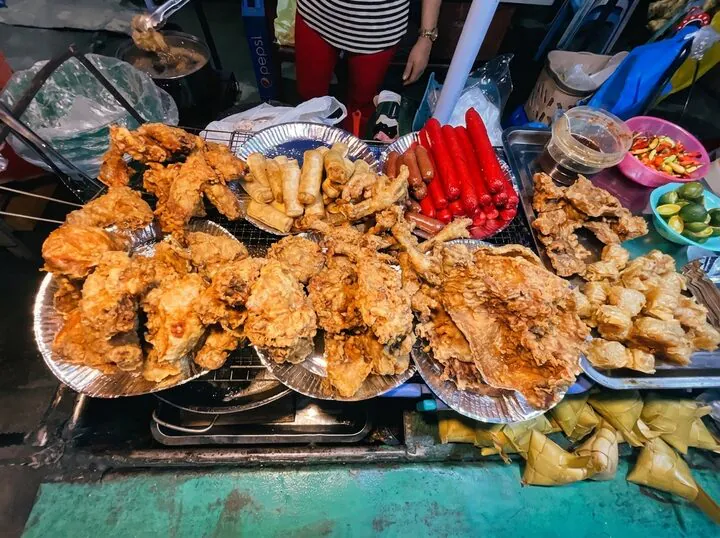
After “make the lighting warmer” in Nano Banana 2
Label: “Created by Google Generative AI”
In a literal sense the label is right. Even for a color tweak, Nano Banana draws a whole new image, so every pixel in the file is model output. Labels like this are also how real photos got tagged as AI on Instagram in 2024. Meta said at the time that its "Made with AI" tag was triggered by industry-standard signals like C2PA and IPTC metadata. Photographers found it on shots they had only lightly retouched, and Meta renamed it "AI info" that July.
Proof when it's there, nothing when it isn't
A valid label is about as strong as evidence gets for a picture. Faking one would mean forging Google's or OpenAI's signature, so if it checks out, that company's model made or edited this exact file. Do read the signer line, though. Anyone can sign a label with their own certificate, and the label only proves who signed it.
A missing label proves nothing. The two images I made with open models, Qwen Image 2.1 and FLUX Klein, had no label at all, because nothing in an open model's pipeline has to write one. Neither did the two real photos. Add every screenshot and re-save of a labeled image, and "no label" describes most images you'll ever check, AI or not. Video behaves the same way: none of the AI clips I ran through everyday edits kept its label, as I found in the AI video post.
How to check an image yourself
Get the original file if you can: the download, not a screenshot or a copy forwarded through a chat app. Open it in our C2PA checker, which reads the label in your browser without uploading anything and shows who signed it and what it says. A valid label from Google or OpenAI is your answer. No label means only that this copy doesn't have one.
More from the Blog
The best realistic AI image generator, judged on 12 photos built to trip it up
The best realistic AI image generator costs about 4 cents: GPT Image 2.5 on high and Nano Banana 2.1 passed 11 of 12 photo tests. Max only helps close-ups.
Claude Code Alternatives: OpenCode With DeepSeek, GLM, Kimi and Qwen, Priced per Task
Claude Code alternatives, priced per finished task: OpenCode with DeepSeek cost about a cent, GLM-5.3 cost what Sonnet did, and the host set the bill.