You Don't Need to Root Your Smart TV to Stop It Tracking You
Reverse engineering a smart TV can trip Claude's safeguard, but you don't need it: in a 2024 test, ad settings alone stopped ACR traffic. Here's where they are.
On October 21 a hacker who goes by log4j broke into his own 2025 Samsung TV and got root, all over “weirdly targeted ads”. Four days later a screenshot showed Claude calling work on someone's own LG “a real and legal project”, moving on to rooting, then getting swapped for a weaker model. People decided the AI labs had just blocked owners from their own TVs.
That fight skips the useful part. If the tracking is what bothers you, you never needed root, or Claude. You need the settings menu, so I'd start there and leave the firmware alone. There's one thing the menu can't settle, and I'll get to it.
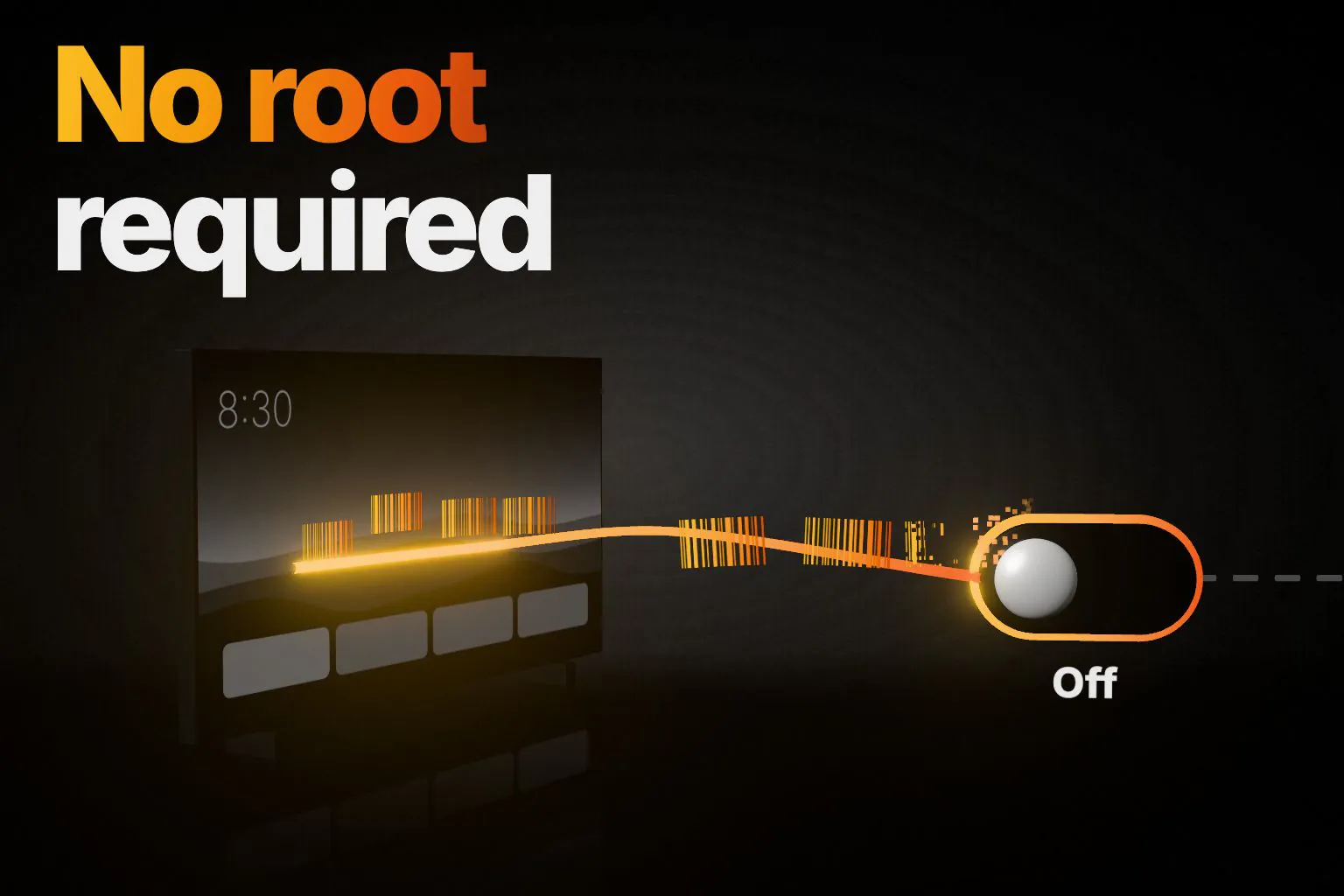
What your smart TV does while you watch
The tracking everyone pointed at is automatic content recognition (ACR), Shazam for your screen. Samsung's ad guide claims it samples the picture every half second. Keep an eye on what happens when a console gets plugged in, and then when the setting goes off.
You don't need root to turn it off
That test is the whole reason I'd skip the hacking. Researchers turned off every ad setting on their Samsung and LG sets, and contact with the known ACR domains stopped.
So here's where the switches are, as of November 2026. On a 2025 Samsung, go to Settings › All Settings › General & Privacy › Terms & Privacy, then turn off Viewing Information Services and interest-based ads.
On a 2021-2024 LG, turn off Live Plus under All Settings › General › System › Additional Settings. On a 2025 LG it's Viewing Information, under Support › Privacy & Terms › User Agreements. On Android or Google TV it's in the privacy menu, and the name varies by maker.
The test predates 2025 models, and I'd recheck the settings after any firmware update. If you want to be surer, plug in a streaming box and keep the TV off your network. Keeping it offline is what stops the reporting, and the box just gives you your apps back.
But the rooted TV was counting dog barks
Ads weren't what scared people, though. Inside his rooted set, log4j found counters for dog barks and baby cries. Samsung sells the listening openly as Pet Care and Family Care. The new part is code built to report the tally to Samsung, and I haven't seen anyone show it leaving a stock TV, or show audio leaving at all. Look at how little makes it past the wall.
So I'd leave Pet Care and Family Care off, turn off Bixby voice wake-up, and use the hardware mic switch if your set has one. Here's where to look for that last one.
What I still don't know is whether those counters ever leave a stock TV. Finding out takes root, which is where that LG chat was heading when Claude got swapped out. That's where the safeguard costs owners something, and it's why I want a verified-owner lane that reaches the top model.
More from the Blog
NVIDIA MotionBricks: The 15,000 fps Isn't the News
MotionBricks' 15,000 fps is mostly a counting choice. I ran it on a laptop. The news is fast, smooth and accurate at once, enough to replace game transitions.
ChatGPT Images 2.6 GIFs Act Like Sprite Sheets: They Keep the Look, Lose Count
ChatGPT Images 2.6 GIFs behave like one sprite sheet cut into frames, so they keep the look and lose count. In 18 juggler runs, none kept three balls.