The RTX 3090 BF16 Unlock Doubles One Kind of Math
A 3090 owner posted 1.9x, then 10% on his real job. The BF16 patch doubles one kind of math: images gain 26-59%, chat nothing, and a free setting can beat it.
Alexey Fateev, who runs four RTX 3090s, installed a Linux kernel module and posted: "My 3090s just got 1.9x FASTER at BF16 tensor math!!!" Further down, the same post says "Real inference got less than I predicted." His real job got 10% faster.
I went through NVIDIA's spec sheets and owners' numbers, and both figures are true. The patch, gpu-unlock, doubles one kind of math, so what you feel depends on how much of your job is that math. BF16 images gain 26 to 59%, chat doesn't move, and on one video model a free ComfyUI setting beat the patch. I'd try that first.
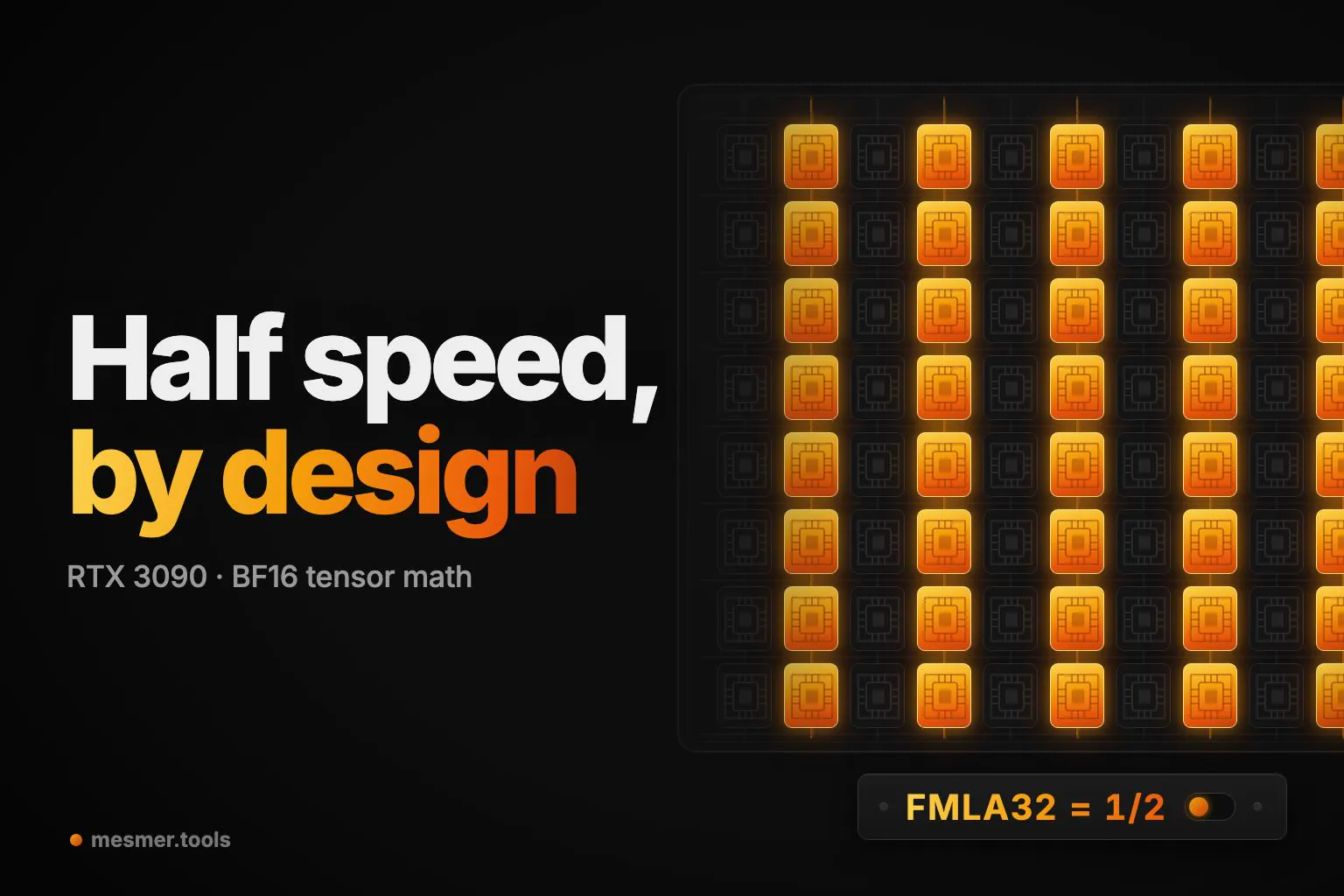
The BF16 unlock doubles one kind of math
BF16 is the 16-bit format full-precision models run in. A tensor core, the GPU's matrix-math unit, adds its results to a running total, which BF16 keeps in FP32, a 32-bit format. GeForce cards run that path at half speed, and NVIDIA's own spec sheet says so. Here's why BF16 needs the bigger total, and what half speed looks like.
The module flips that setting at every boot, using a bug in NVIDIA's boot firmware.
But chat was never waiting on that math
What matters is how much math you do per byte read from memory. One person chatting with an LLM does about one operation per byte, and by my arithmetic a capped 3090's tensor cores only become the limit past about 76 operations per byte. Until then the card is waiting on memory, and the patch doesn't touch memory. Prompt processing, diffusion and training all live past that line.
Picture one limit for memory and one for math, then raise only the second.
But even a job that was waiting on it got 10%
Fateev's real job was prompt processing, so you'd expect a big jump. But matrix math was only about 40% of it. The rest was copies, plain CUDA code and INT8, an 8-bit format the cap never touched, and none of that got any faster. Here's his 1.9x, followed from the bench into the job.
BF16 image generation keeps far more, 26 to 59% depending on card and model. So the question for your setup is how much of your job runs through this one lane.
So I'd try a free setting before the patch
That question works in reverse too, because you can move math off the lane. MiniMax H3, a video model, shows it in its INT8 build. One 3090 Ti owner, running each setup once, went from 171 s to 130 s with the patch. Comfy Kitchen attention, a ComfyUI setting, got 102 s without it, and adding the patch changed nothing.
It moves the attention step's multiplies onto INT8 kernels, which NVIDIA rates at four times the capped speed. Catch the patch lever thrown over an empty track.
In ComfyUI that's --use-ck-attention, or the Model Attention Backend node.
If you still generate or train in BF16 after that, and the model fits in your VRAM, I'd patch, but only on Linux with an RTX 30 card, the generation with a stable record. Your warranty is gone, and nobody has long-term wear data.
What I can't tell you is whether Comfy Kitchen changes your images, because I couldn't find a comparison. So compare the same seed before you trust it.
More from the Blog
NVIDIA MotionBricks: The 15,000 fps Isn't the News
MotionBricks' 15,000 fps is mostly a counting choice. I ran it on a laptop. The news is fast, smooth and accurate at once, enough to replace game transitions.
ChatGPT Images 2.6 GIFs Act Like Sprite Sheets: They Keep the Look, Lose Count
ChatGPT Images 2.6 GIFs behave like one sprite sheet cut into frames, so they keep the look and lose count. In 18 juggler runs, none kept three balls.